Branch scheduling, rebuilt for phones
The whole branch schedule, in every pocket.
Vault Hours puts each person's shifts, the team's week and the coverage rules into one app. Staff check their next shift in a second. Supervisors build and publish the week without re-checking every rule by hand.
For regional leadership
Six reasons it pays off across a region.
Each one is something Vault Hours already does today, at every branch, the same way.
Dual control, enforced
A week can't be published unless every open and close has two people from different combo groups and a keyholder, checked against that branch's own hours. An exception needs a reason, and it's recorded.
One view of every branch
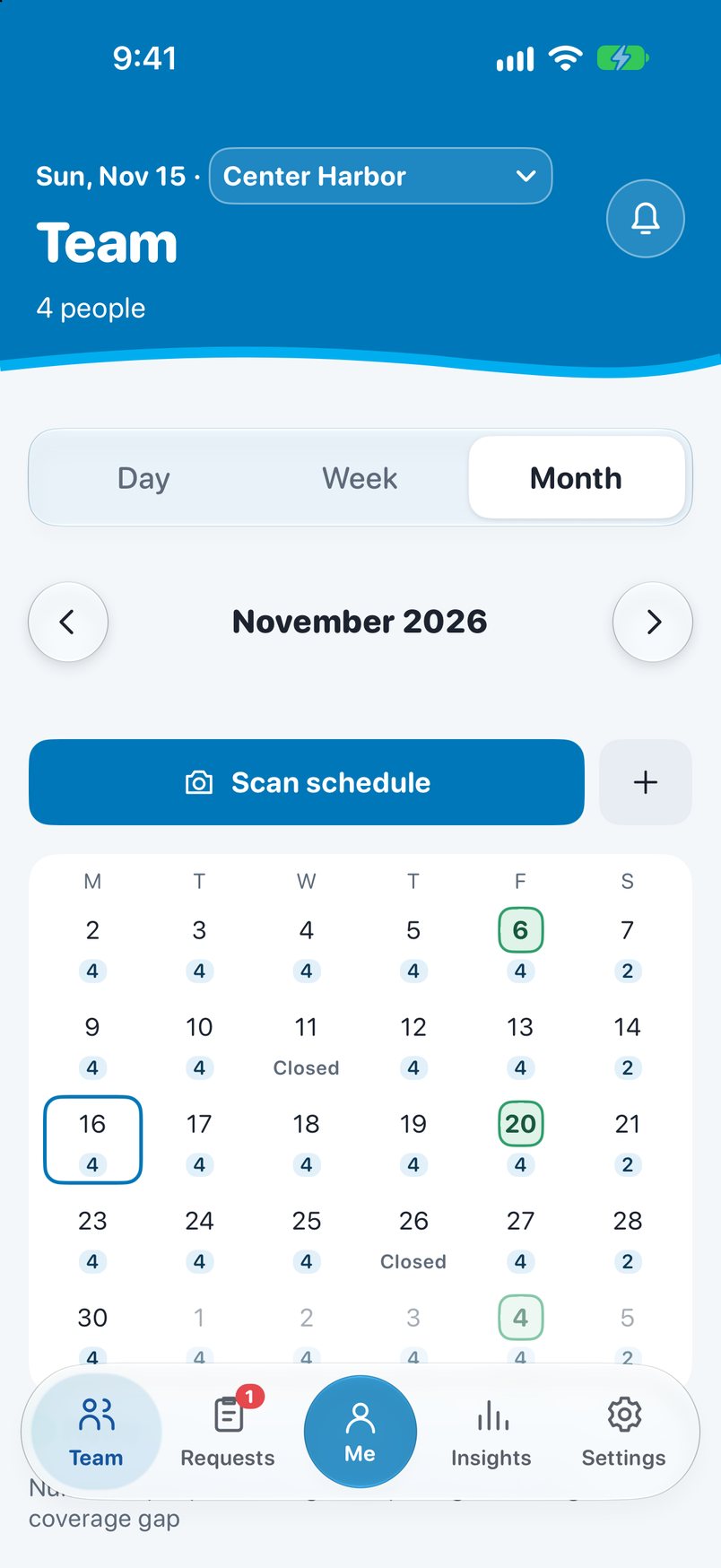
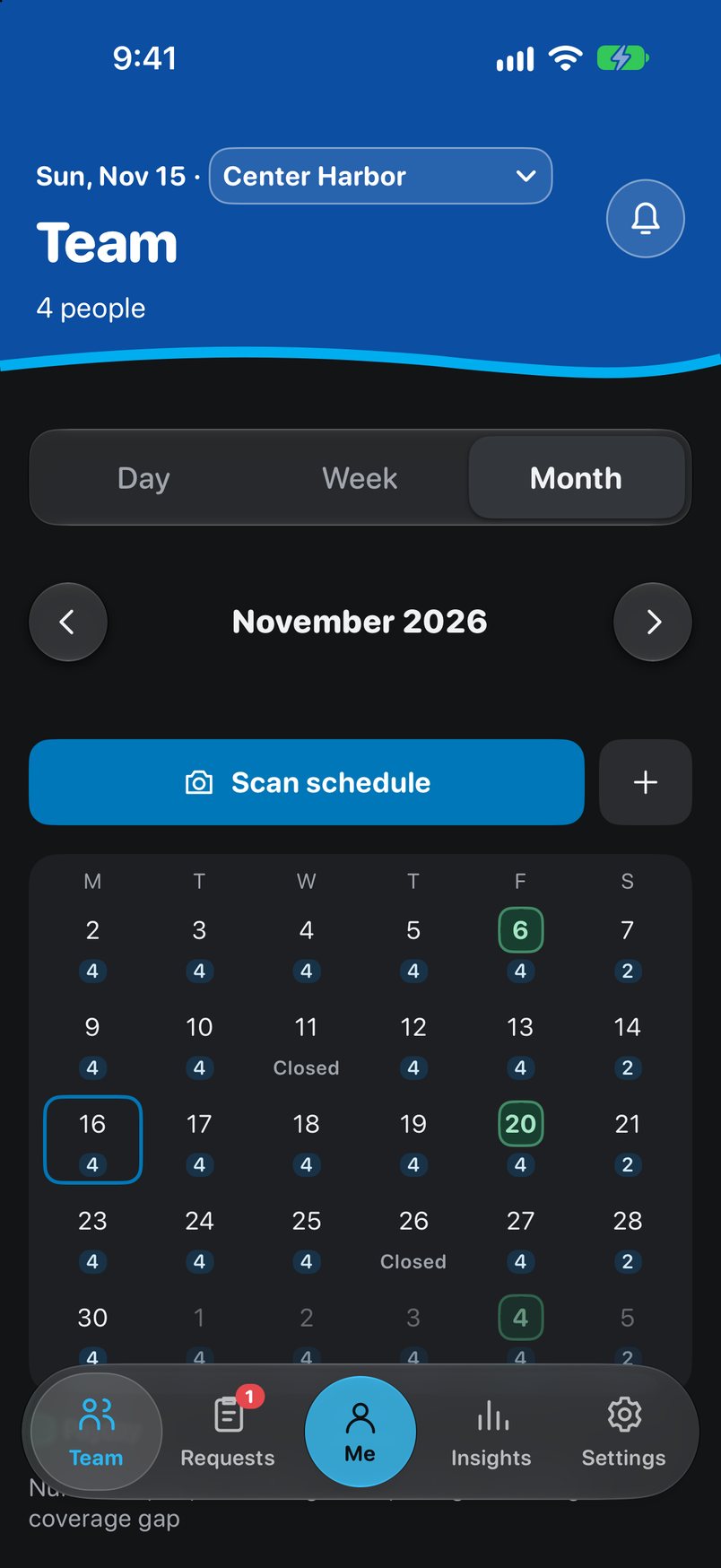
Supervisors and administrators can see the schedule at any branch. Gaps and closed days show on the calendar, not in a phone call the morning of.
Staff shared between branches
A branch posts the role and hours it needs, and a supervisor at another branch fills it in a few taps. The visitor's shift publishes and they're notified, and double-booking is blocked.
Hours you can see coming
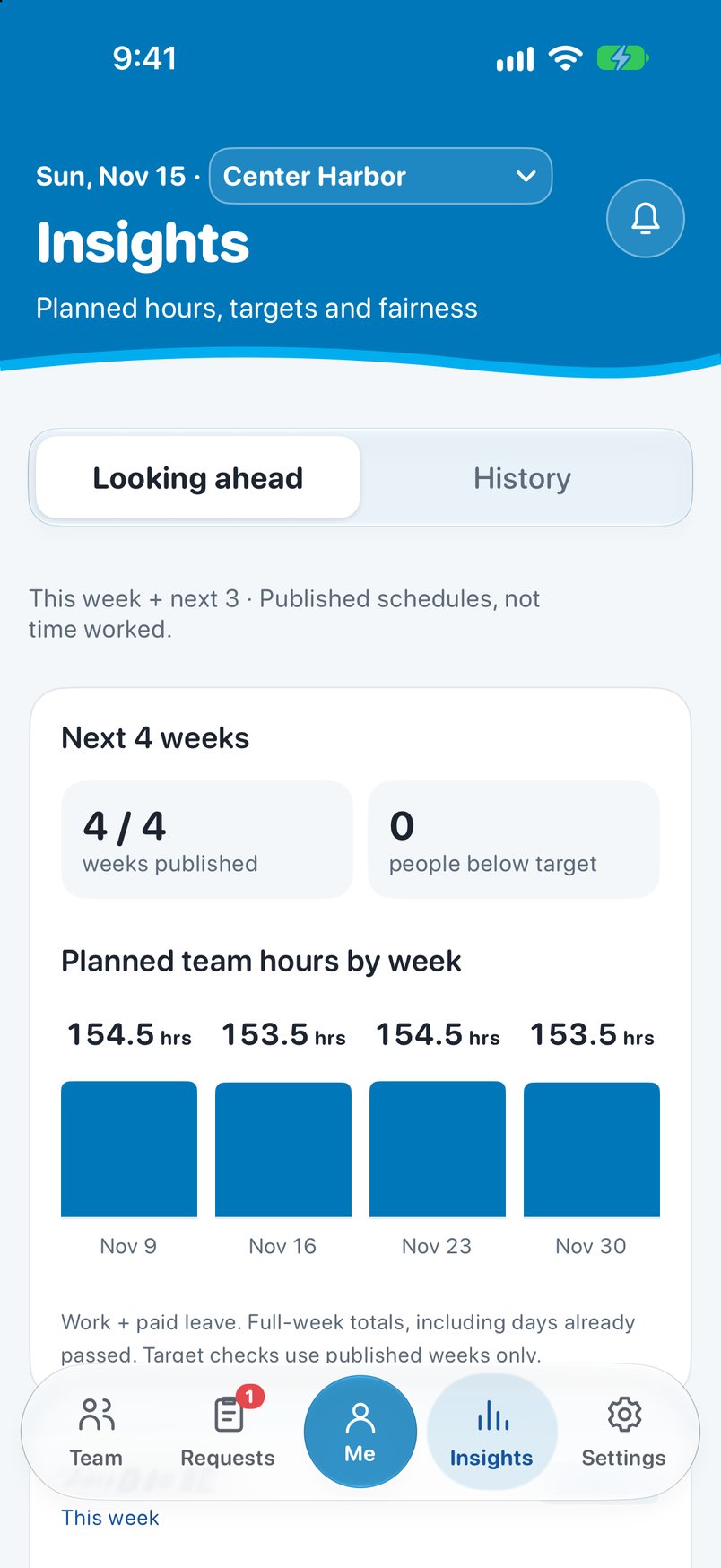
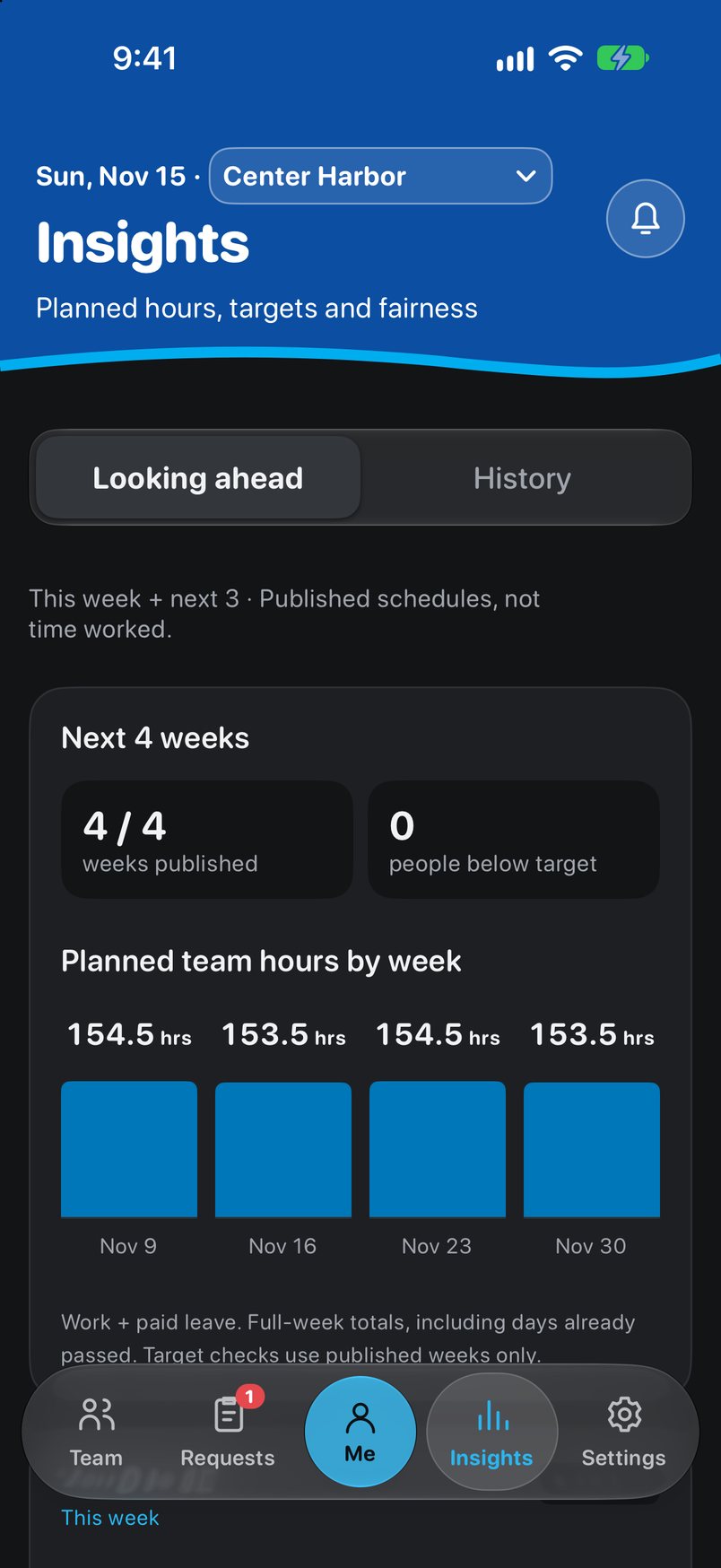
Insights shows the next four weeks: planned hours, people below target, Saturday assignments and weeks not yet published. History compares fairness over 4 weeks, 13 weeks or a year.
Clean records for payroll
Holidays, lunches and part-time hours are calculated the same way at every branch. Pay periods lock on schedule, and later changes carry an administrator's reason.
Little to change
ADP stays the time clock. Supervisors can photograph the paper week to start a draft, staff use the iPhone they already carry, and branches move over one at a time.
What changes
The rules people keep in their heads, written down once.
Today the week lives on paper, and the checks behind it live with whoever is building it. Vault Hours runs those checks every time.
For staff
Your week at a glance.
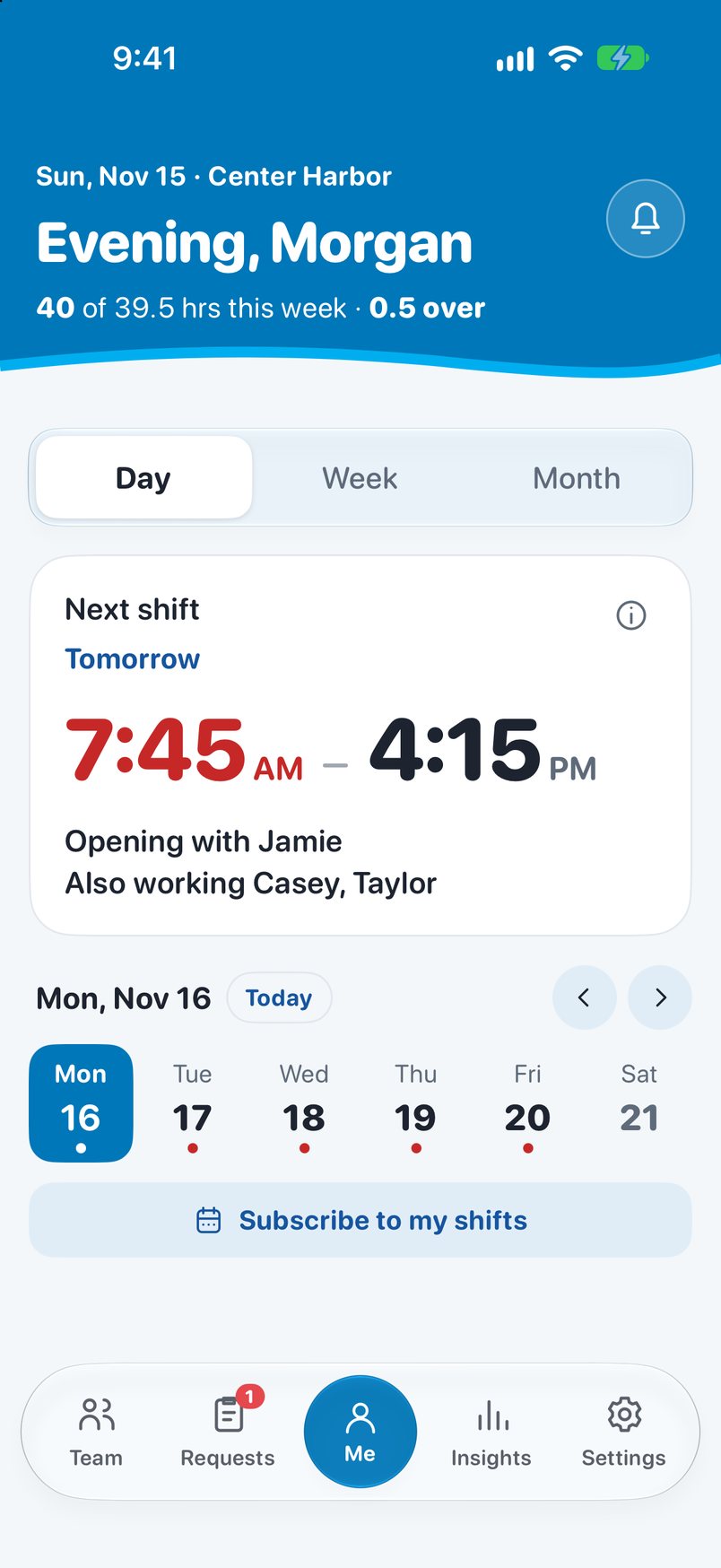
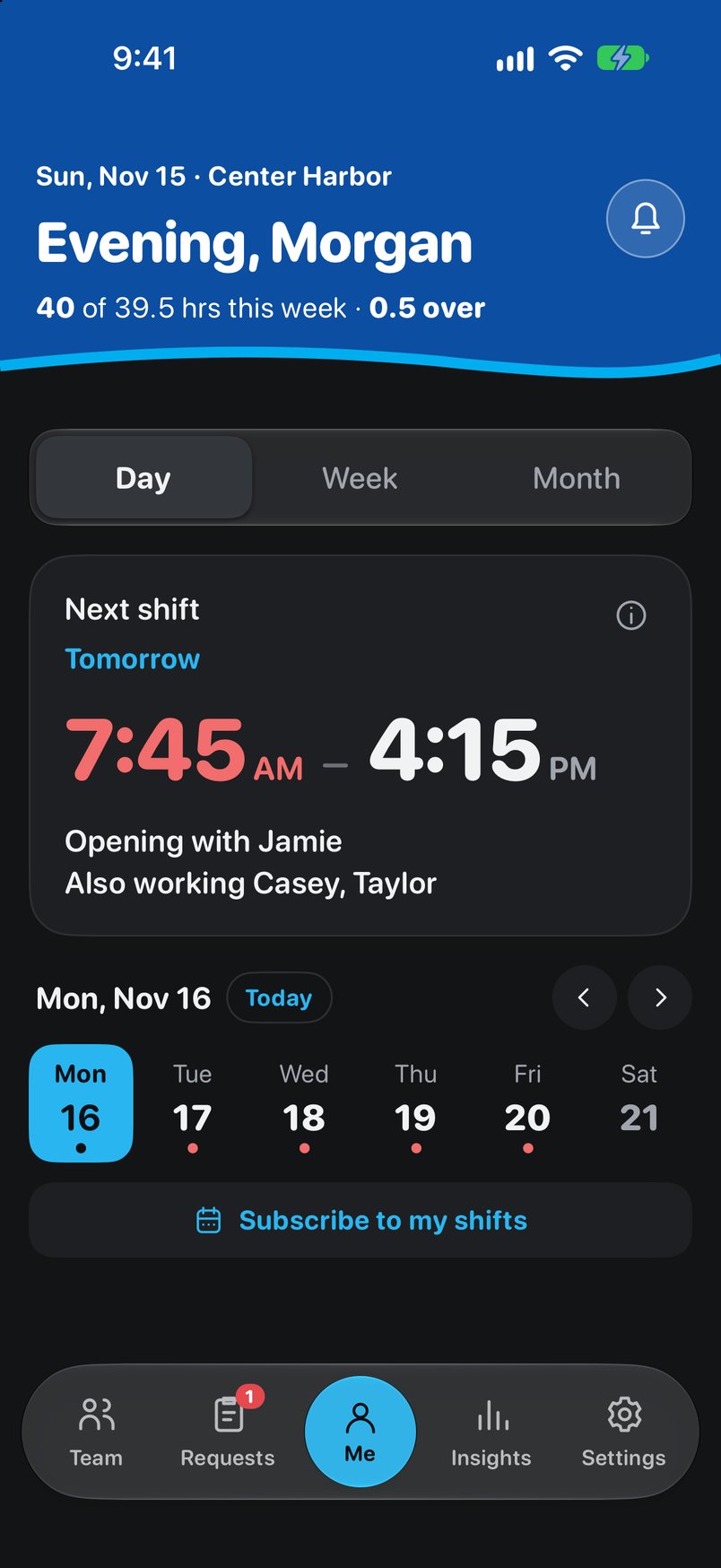
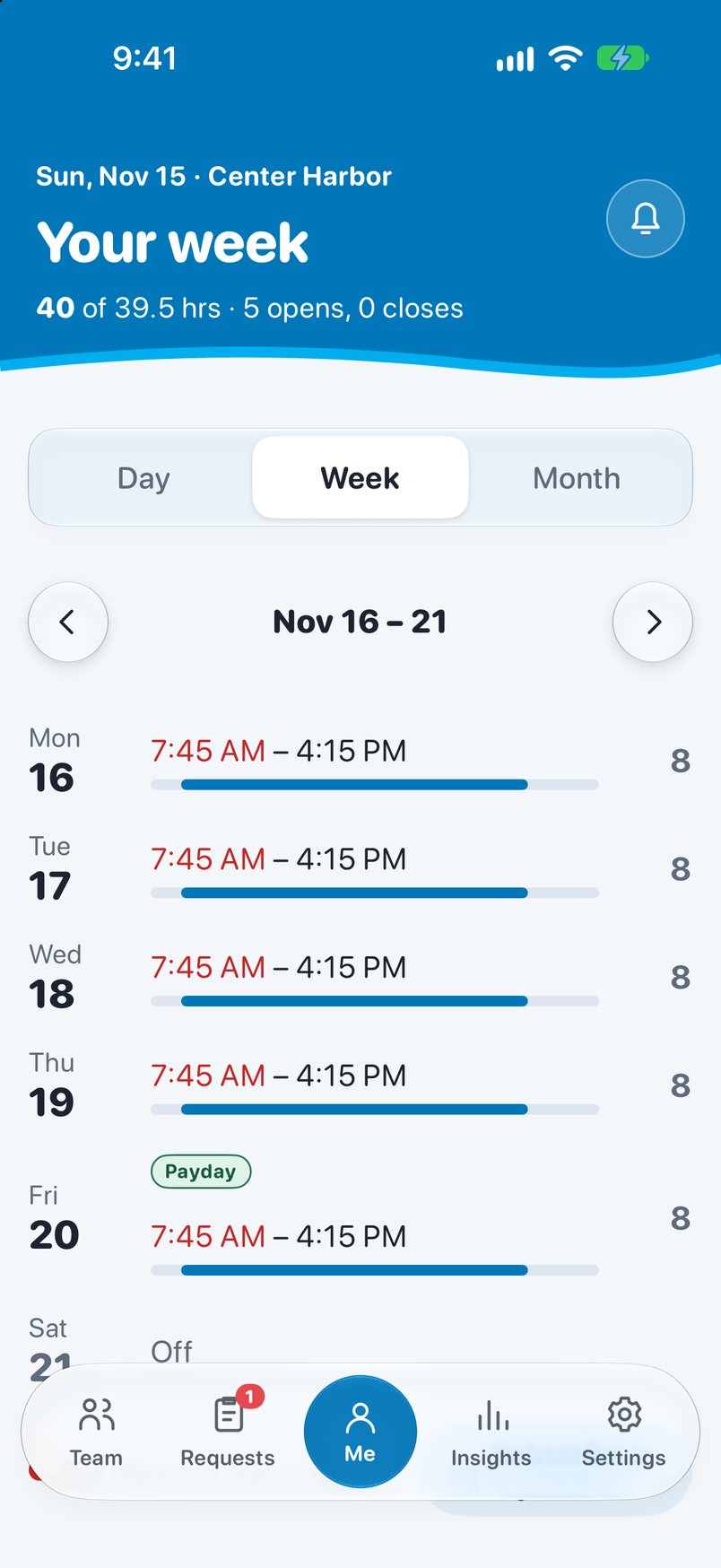
Me opens on the shift that matters: today's, or the next one, with a countdown and the people working with you.
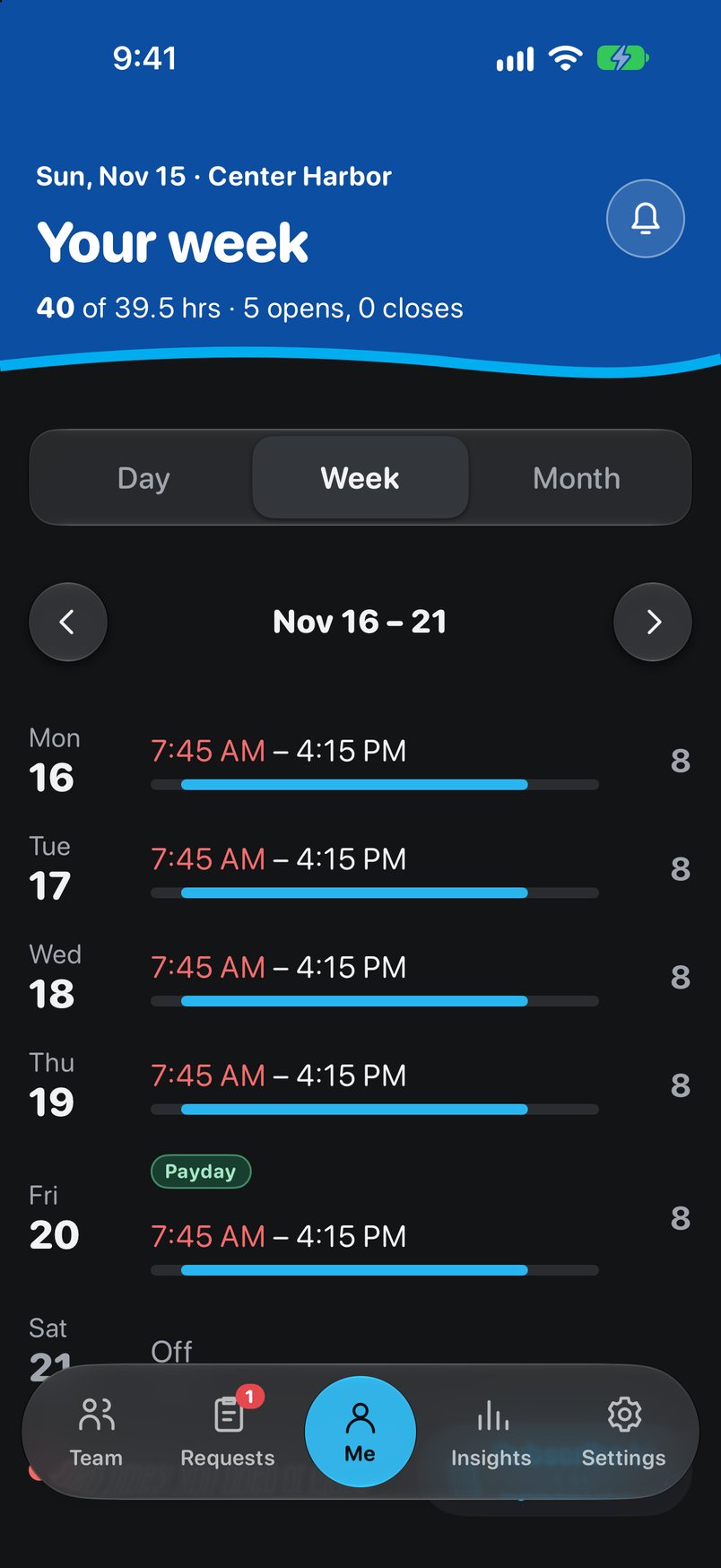
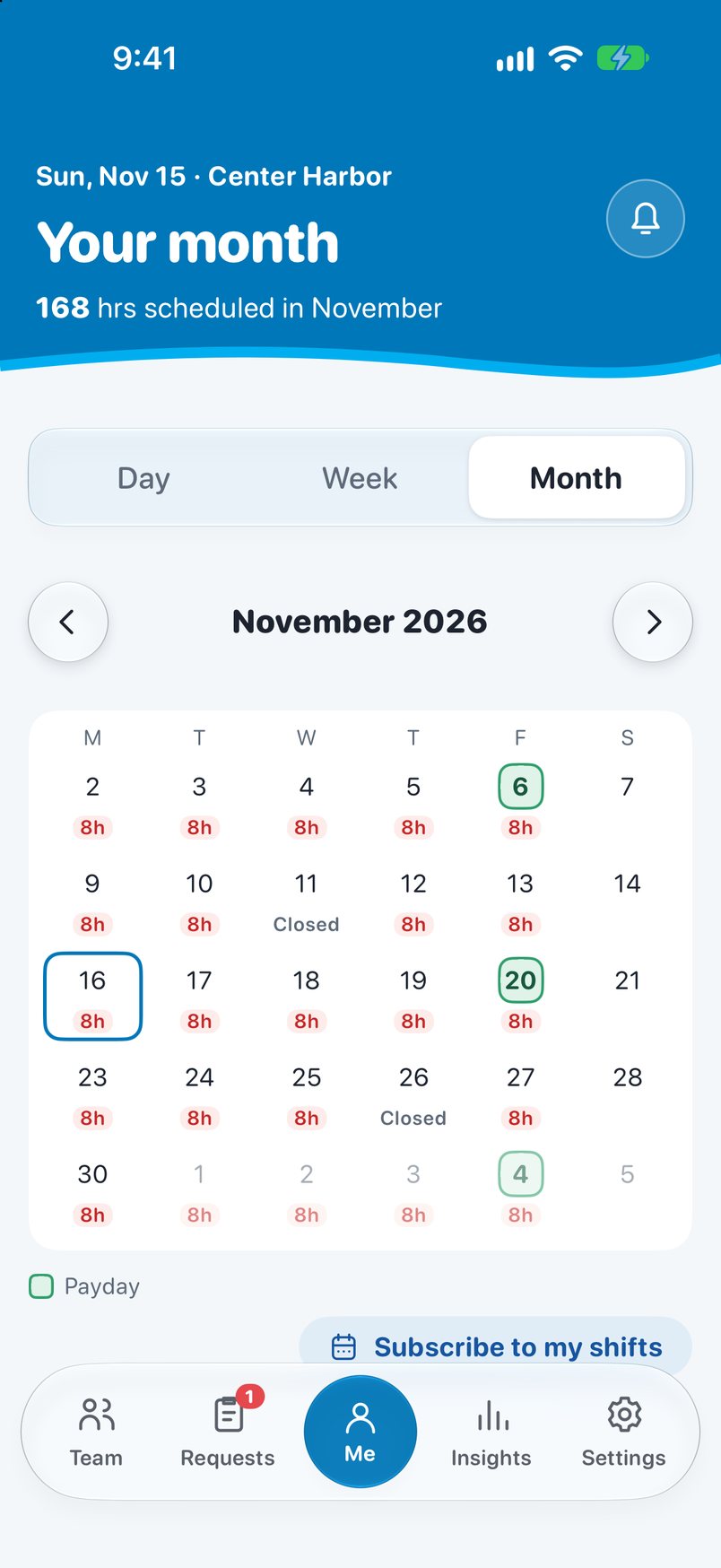
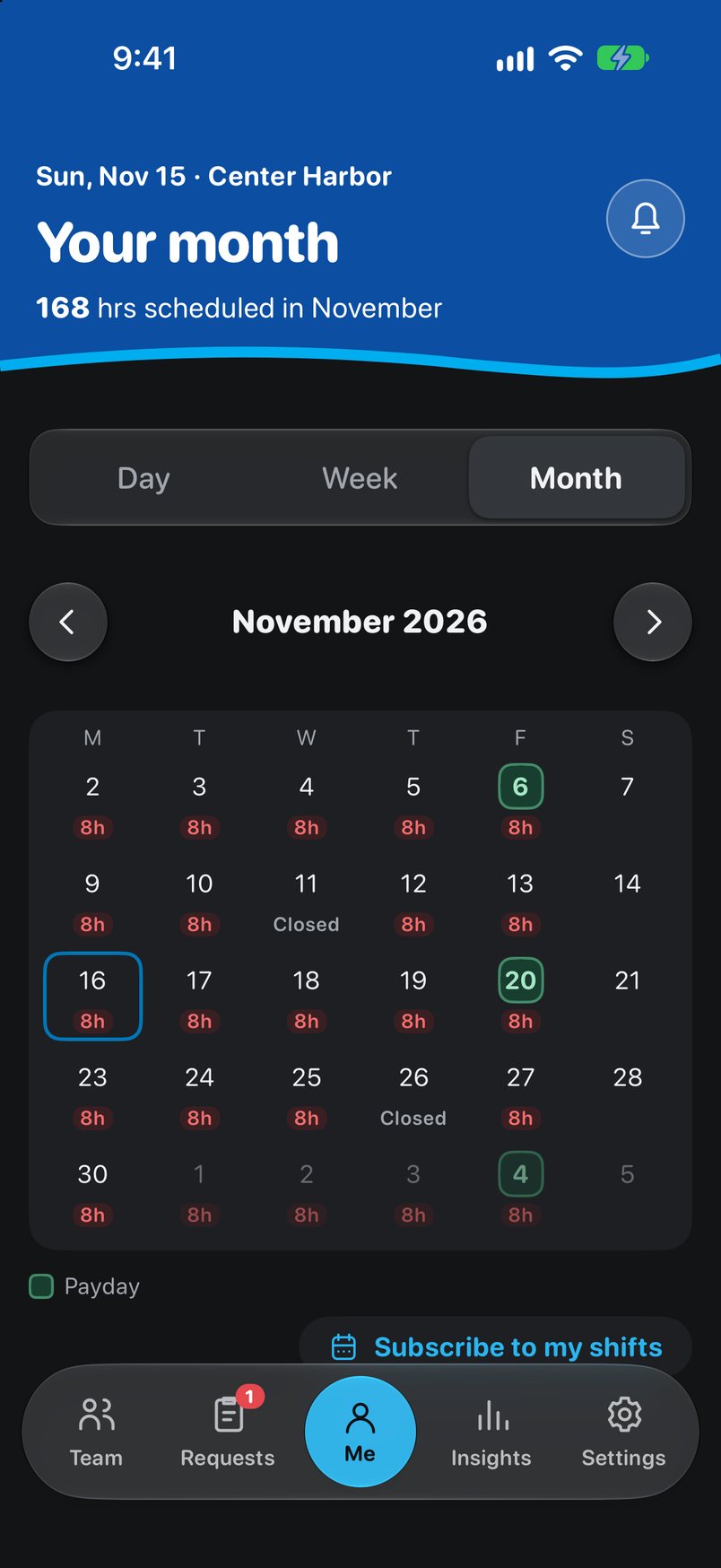
- Day, Week and Month. Swipe through days, see hours against your target, and spot paydays shaded on the calendar.
- Opening and closing times in red, so a 7:45 start stands out from a 9:00 one.
- Subscribe in Apple or Google Calendar. Published shifts and later changes show up on their own.
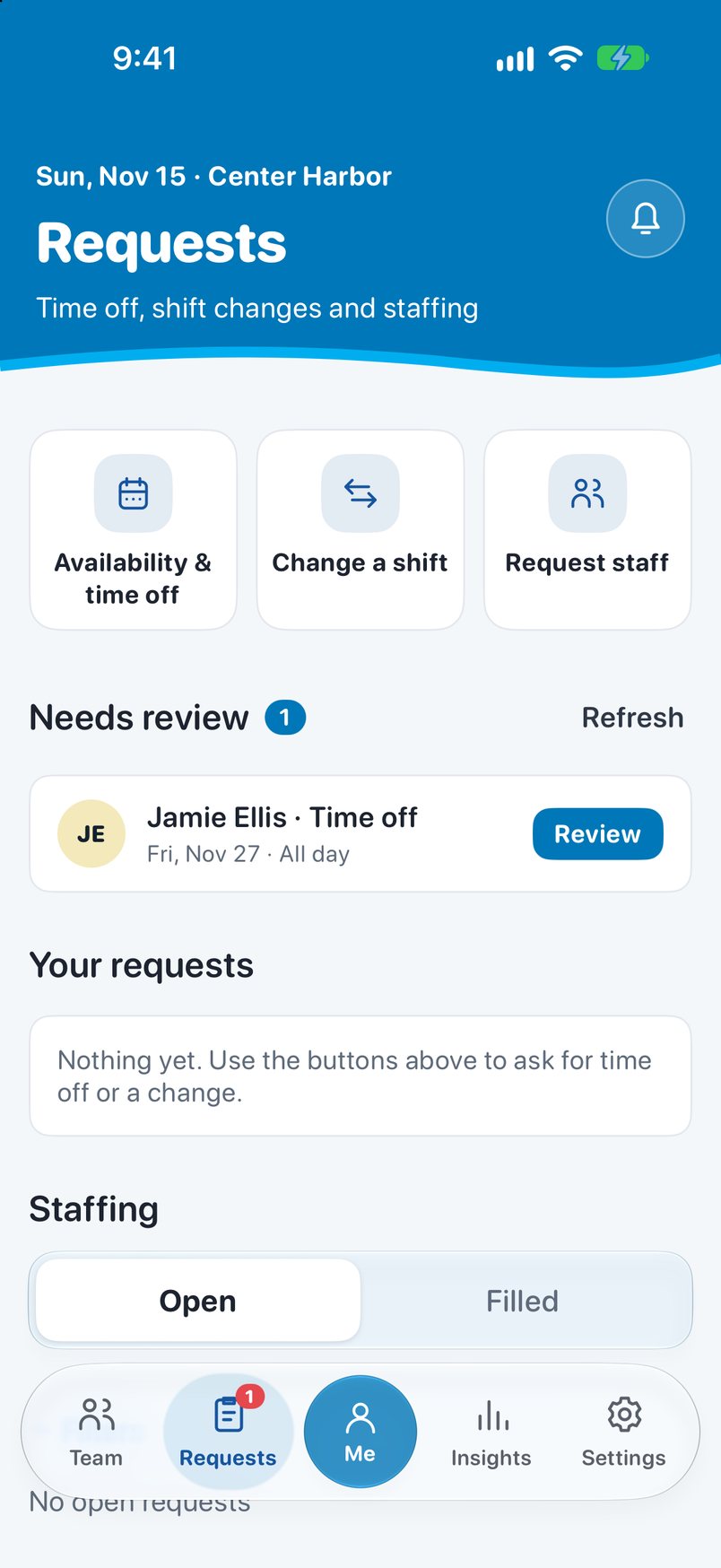
- Time off and shift changes go to your supervisor from Requests, and you can follow their status.
For supervisors
Build the week. Publish when it's right.
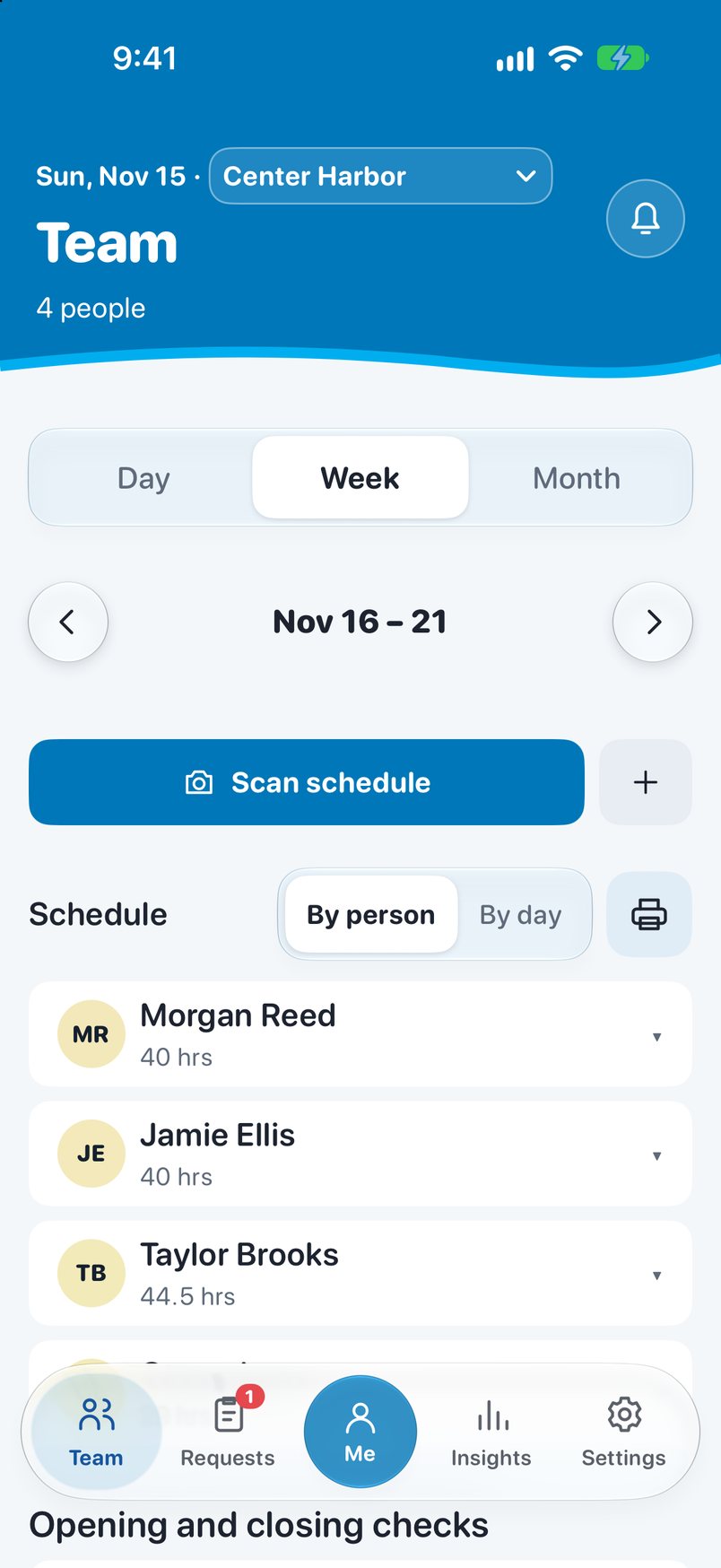
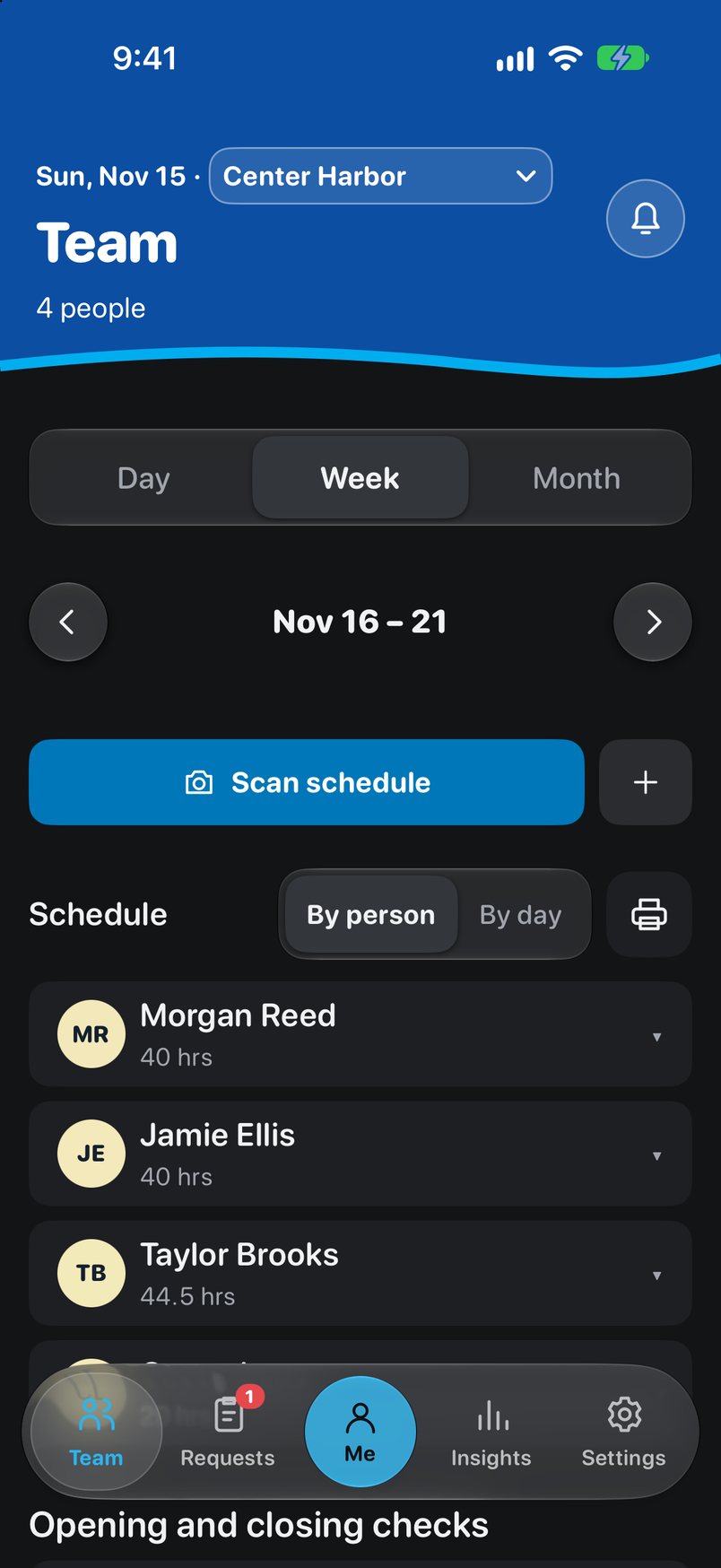
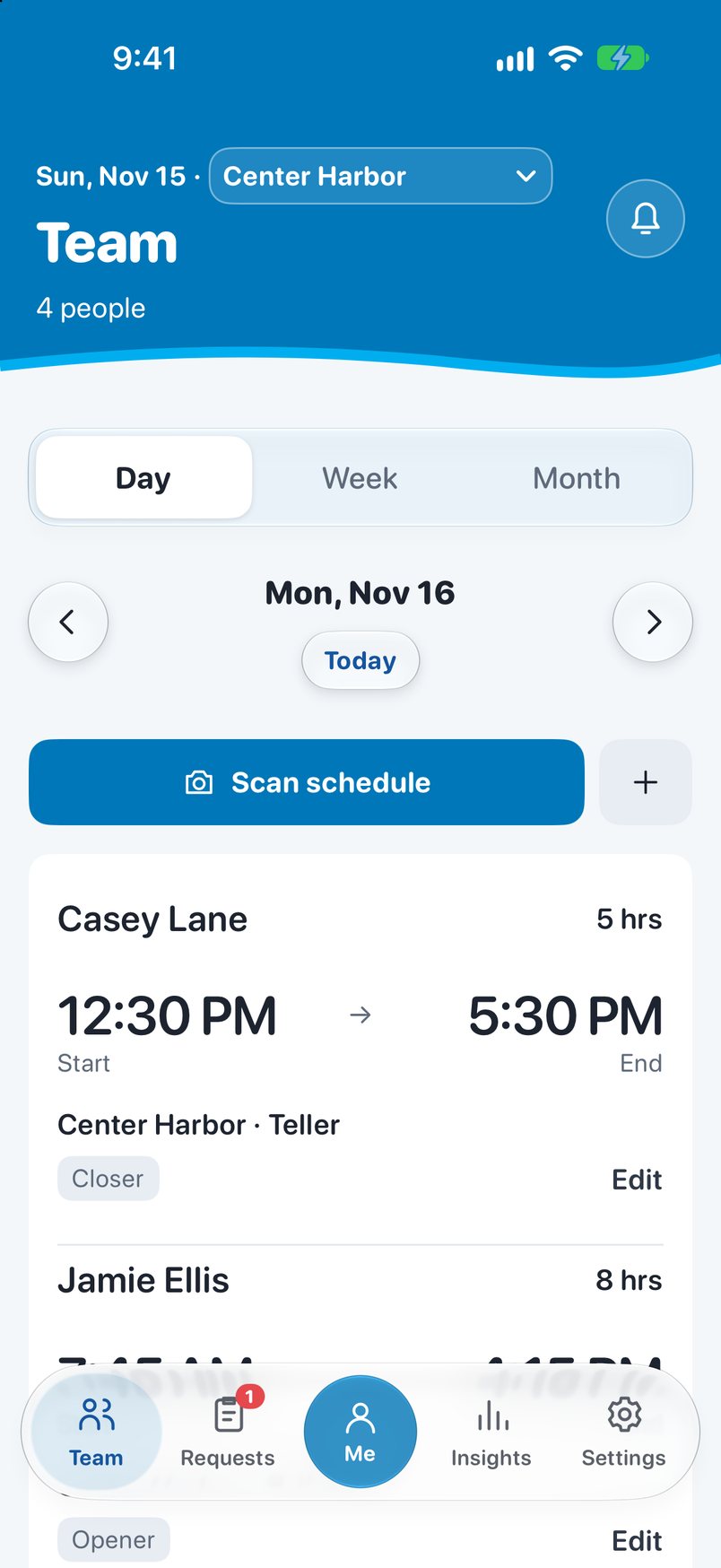
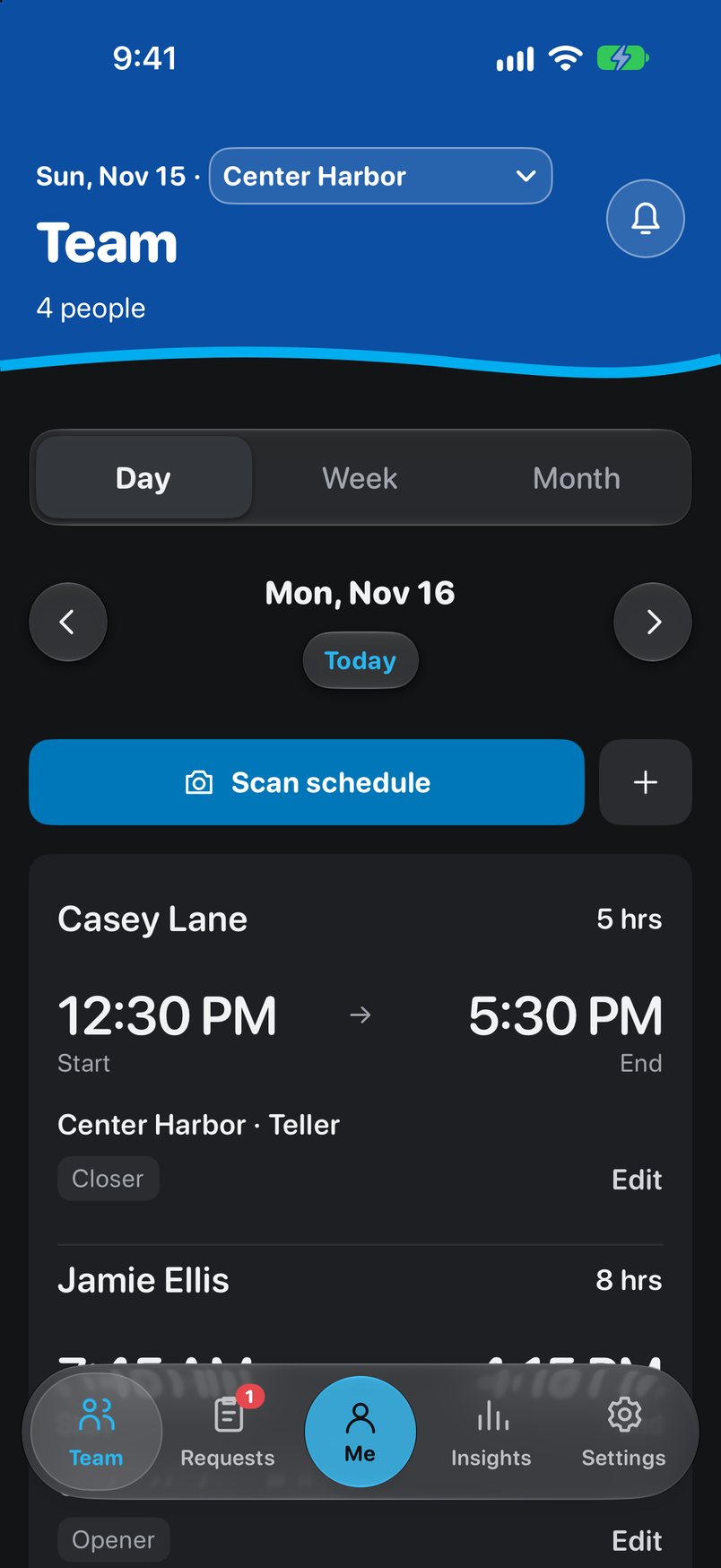
Snap a photo of the paper schedule and Vault Hours reads it into a draft for review. Edits stay private until you publish, and the review shows every change in date order.
| Mon, Nov 16 | Combo group | Key | Check |
|---|---|---|---|
| Open 7:45 AM | Jamie · A Morgan · 6 | Jamie | ✓ Open |
| Close 5:30 PM | Casey · A Taylor · 6 | Taylor | ✓ Close |
- Coverage gaps flagged on the day they happen, including visiting staff from another branch.
- Staffing preferences, like "at least 3 people at opening on the first open day of the week," show as amber heads-ups.
- Overrides need a reason, and every one is recorded.
Built in
It already knows how the bank schedules.
These rules are part of the app, tested on the web and in the iPhone app alike, so totals match wherever someone looks.
NH lunch rule
Unpaid lunch comes out of any work block over five hours, following RSA 275:30-a.
14-day pay periods
Each period locks at midnight New York time on the Thursday of payday week. After that, only an administrator can change one, with an audited reason.
Holiday pay
8 hours for full-time staff and 6 for part-time count in every total, following each person's employment dates.
Federal closures
Every federal holiday shows Closed, including Friday and Monday observed dates, calculated each year.
Hours warning
Weeks below target are flagged. Part-time thresholds can be set per person or turned off.
Open and close
Different combo groups and a keyholder, checked against that branch's own hours.
Insights
See the next four weeks before they happen.
Insights opens with planned paid hours, people below target, Saturday assignments and weeks not yet published. History shows averages and fairness over 4 weeks, 13 weeks or a year.
- Supervisors and administrators get the named team view and detail for each person.
- Everyone else sees their own hours and anonymous branch averages.
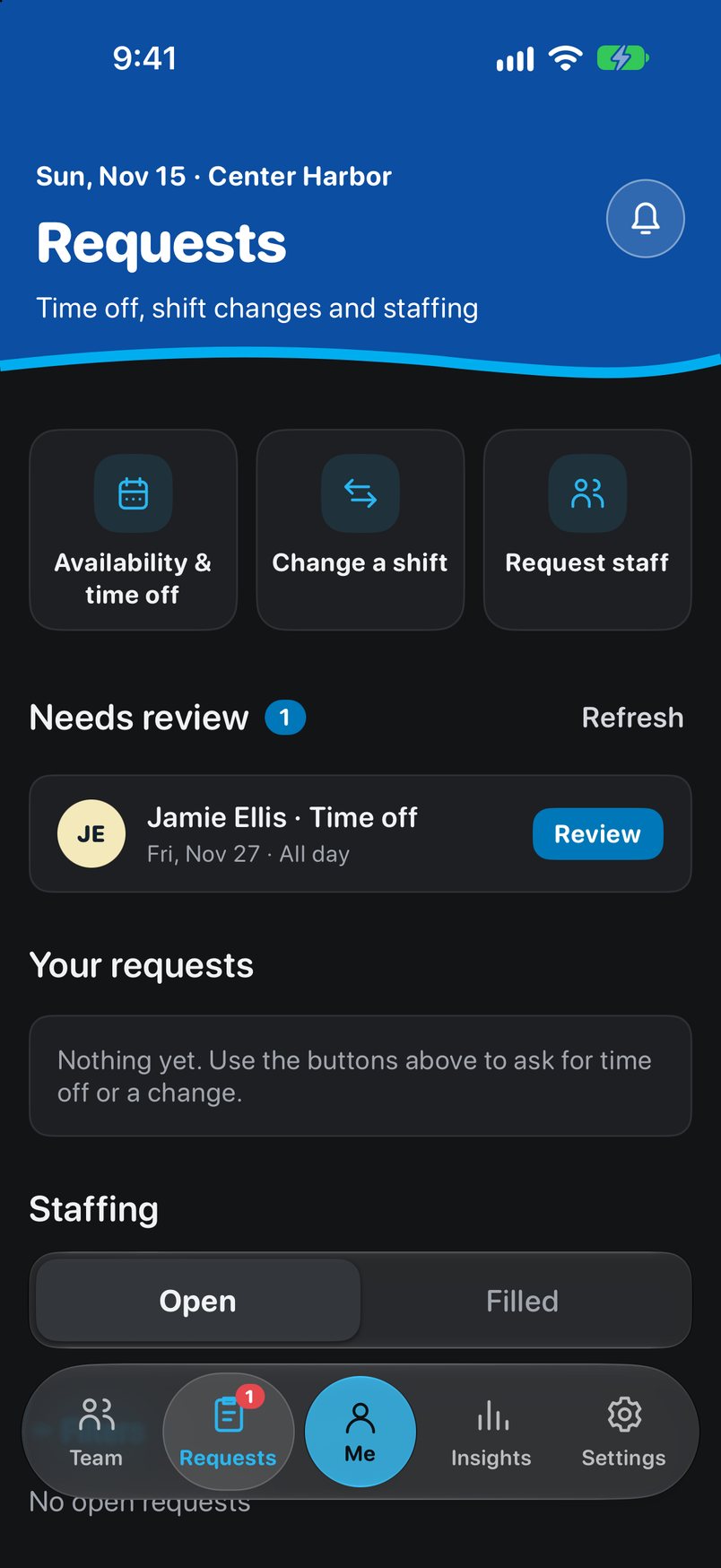
- Requests waiting for review sit in one list, next to time off, shift changes and staffing between branches.
Data security
Bank data stays where it belongs.
Vault Hours keeps only what a schedule needs, and each person sees only what their job calls for. Vault combinations and pay details are never in it at all.
Who gets in
- By invitation only. Nobody can sign themselves up. Each person has their own login and a strong password. No shared accounts.
- Each role sees its own part. A teller sees their own branch's schedule. Only that branch's supervisor can change it.
- Permissions are granted one at a time. Running the app, editing schedules and holding keys are separate. One never comes with another.
- When someone leaves, access ends right away, even on a phone that's still signed in.
What it never holds
- No vault combinations. The app only knows which combo group each person is in, like A or 6.
- No pay rates, Social Security numbers or bank account numbers. Payroll stays in ADP.
- No reasons for time off on the schedule. A note on a request is seen only by the employee and their supervisor.
- Nothing sensitive on a locked phone. An alert only says the schedule changed.
A record nobody can erase
- Every important change is logged with who made it, when and why: publishing a week, an opening or closing exception, and changes after a pay period closes.
- Nobody can edit or delete that log, including administrators.
- Closed pay periods stay closed. Only an administrator can change one, and they must give a reason.
Behind the scenes
- Every connection is encrypted, the same way online banking is.
- The rules are enforced on the server, not just on the phone, so they can't be bypassed by tampering with the app.
- Every update is tested before it goes out, including checks that each role can only see and do what it should.
Outside services
- Reading a photo of the paper schedule is optional. When used, the photo goes to OpenAI to be read, and Vault Hours doesn't keep it.
- Calendar links are private to each person, show only their shifts, and can be turned off anytime.
What IT will want to review
- The hosting companies behind the app (Supabase and Vercel), and OpenAI if photo reading is used.
- How long records are kept and how backups are handled.
- Sign-in options. Today it's email and password. Signing in with a bank work login, or with a second code, isn't available yet.
Where it stands
Built for every branch.
- BranchesAll 15 branches, each with their own hours, closed days, combos and keys.
- iPhoneA native iPhone app is the main app for staff.
- WebThe web app handles sign-in, invitations, password resets and scheduling at a desk.
- Daily useCross-branch staffing, calendar subscriptions, change alerts and Insights.
Proposed next step
Roll it out one branch at a time.
- Pick a first branch and its supervisor.
- Load its roster and confirm the branch hours and coverage rules.
- Run Vault Hours beside paper for a few pay periods.
- Retire the paper schedule where supervisors are ready.